
Application Setup Step by Step for Gamblerina Casino for Canada
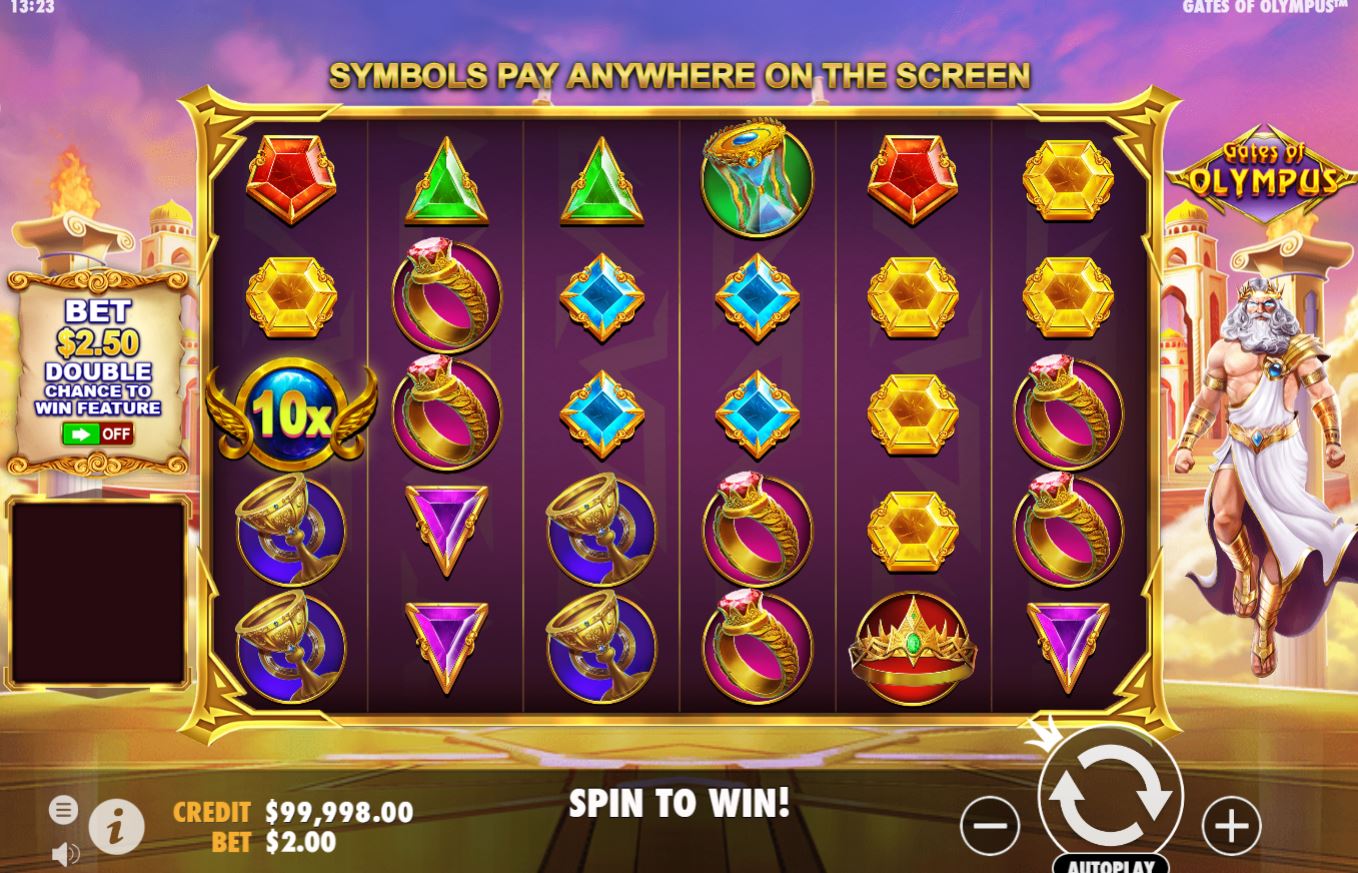
Canadian gamblers seeking a better casino app experience will find getting the Gamblerina Casino app is the way to go. Ditch the mobile browser. The native application loads games faster, the graphics look sharper, and the whole experience feels snappier to your touch gestures. You’ll get alerts for new offers and game releases pushed to your device, so you always catch great offers. Getting around the app is more intuitive, making it easy to deposit money, discover new games, and manage your account. The download and configuration are pretty easy, but it’s wise to follow a clear guide. Doing it right means the app will work perfectly on your specific Android phone or iPhone, bringing you from installation to your first game smoothly.
Why Get the Gamblerina Casino Software?

Picking the exclusive app rather than the mobile website transforms how you play. The largest difference is quickness and fluidity. Because the app is created for mobile devices, it utilizes your phone’s power more effectively. Games start faster and run without stutters, which makes a difference a lot for detailed slot machines and live dealer games. Security gets a boost as well. The app runs in a secure space, often providing extra safeguards for your login and money transfers. For regular ease, you can sign in with single tap using your fingerprint or face, bypassing the password entry. It also conserves your mobile data through smart caching and lets you check things like support docs or promo rules even if you’re not connected. The design is made for a small screen, so finding games or your banking section is logical and swift. You use less time searching and more time spinning, which is just what you need on your smartphone.
Complete Guide for iOS Customers
If you own an iPhone or iPad, things are more direct because you’ll use the Apple App Store. Begin by unlocking your device and opening the App Store app. Tap the search icon at the bottom and type in « Gamblerina Casino » to locate the official app. Confirm the developer name to be certain you’re getting the real one and not a copycat. When you see the right app, tap the « Get » button. You’ll be required to confirm the download with your Apple ID password, Touch ID, or Face ID. The app will download and pop onto your home screen by itself. The first time you open it, it might request to send you notifications. Saying yes is a good idea if you desire updates on bonuses and new games. From there, just log in or sign up through the app’s clean interface.
Making Your First Deposit via the Mobile App
Putting money into your account using the app is structured to be safe and fast. First, log in and locate the cashier or banking section. Look for a dollar sign icon or a particular menu tab named « Banking. » The app will present you the payment methods available in Canada. You’ll usually see Interac e-Transfer, credit cards like Visa and Mastercard, and several e-wallets. Select the one you want, then type in the amount you wish to deposit. Remember the minimum deposit amount, and if you have a bonus code, this is where you insert it. The next screens will guide you through the secure payment. You might be directed to your bank’s portal or asked to confirm details inside the app. Deposits generally go through right away. The funds should be reflected in your account balance instantly, enabling you get straight into the games.
Setting Up Your Registration through the App
With the app installed, the next step is set up your player account. For new users, tap the « Sign Up » or « Register » button displayed on the home screen. The form requests basic details: your official name, your date of birth (to confirm you’re of legal age), a valid email address, and a telephone number. Ensure this info matches your government-issued ID precisely. It will be needed later to verify your identity when you request a withdrawal, which is a standard rule in Canada. You’ll also create a username and a strong password—mix in some letters, numbers, and symbols. Once you have submitted the form, check your email. You need to click the verification link they send you. If you have an existing account, just log in with your usual details. The app will display your current balance, any current bonuses, and your gaming history.
Browsing Titles and Capabilities on the App
The Gamblerina Casino app offers a extensive, sleek game library on your mobile. You get access to hundreds of video slots from leading studios, with all their graphics and sounds working smoothly on your phone. If you prefer table games, there are many choices for blackjack, roulette, and baccarat, all with touch-friendly controls to place your wagers. The live casino section is a standout feature. It streams real games with professional dealers right to your device, and the video quality adjusts to stay smooth on less stable networks. The app offers clever add-ons as well. It will propose games you might like based on your previous games. You can search for a specific title or save your preferred games for instant access later. This all builds a customized and immersive casino that sits perfectly in your palm.
System Prerequisites for Installing
Before you tap that download link, pause to ensure your device can handle it. This stops problems and makes sure the app works smoothly. For Android users, your device will typically need to run Android 8.0 (Oreo) or a later version. Ensure you have sufficient free space. We’d suggest at least 100MB for the app and any further game data it requires later. A stable internet connection is a necessity; opt for Wi-Fi for the download to prevent consuming your data plan. For iPhone and iPad users, the app usually needs iOS 14.0 or newer, which covers most devices from the past few years. Android users should note one critical detail: you’ll probably need to permit installations from sources other than the Google Play Store. This is a typical step for real-money casino apps in Canada, so you’ll must adjust your security settings when prompted.
Managing App Settings and Updates
Taking control of the app’s settings and updates ensures everything running safely and seamlessly. Within the app’s account or settings menu, you can modify your preferences. You can set deposit limits for responsible play, switch sound effects and music on or off, and choose your currency. This is also where you control your notifications. Choose which alerts you want to get—messages about new bonuses, when a withdrawal completes, or announcements of new games. For updates, iPhone users are in luck. The iOS app usually updates by itself if you have auto-updates turned on in your App Store settings. Android users need to be more proactive. Since you installed an APK, updates aren’t automatic. You should check the official Gamblerina Casino website now and then to obtain and install the latest APK version yourself. Maintaining the app updated is vital. Updates deliver security fixes, performance tweaks, and access to the newest games.
Detailed Guide for Android Owners
Setting up the app on an Android phone isn’t the same as obtaining something from the Play Store. Here is how to do it. First, get your phone and start its web browser. Visit the official Gamblerina Casino website. Look for the mobile app section—it is usually at the bottom of the page or in a special promotions area—and select the download link for the Android APK file. Your phone will show a security warning. To move forward, you must enable « Install from Unknown Sources » in your settings. You can locate this option under Security or App permissions. When you’ve turned it on, navigate back to your downloads and launch the APK file. Complete the installation prompts on your screen. After the app is installed, you may turn that « Unknown Sources » setting disabled for general safety. Open the app, log in with your existing details, or register a new account from within the app to start playing.
Fixing Common Installation Issues
At times, even with clear instructions, you could hit a snag. Android users often encounter a « Parse Error » or « App not installed » message. This usually means the APK file wasn’t downloaded completely, or your phone is out of storage. Fix it by clearing your browser’s cache, checking you have enough free space, and downloading the file again from the casino’s official site. On iOS, if the download button is greyed out in the App Store, you may need to update your iPhone’s software. Navigate to Settings to check. If the app crashes as soon as you open it, try force-closing it and restarting your device. This can clear up temporary glitches. For any stubborn problem, updating your device’s operating system is a universal first step. If nothing works, the fastest solution is to contact Gamblerina Casino’s customer support through the website live chat or email. They can offer you specific advice and check if there’s an issue on their end.
Exploring the App Interface for the Initial Time
Learning the app’s layout makes your time with it much more rewarding. Once you log in, the home screen will present you with top games, current promotions, and convenient buttons for adding or cashing out money. The main menu is your access point to the whole app. It’s often a hamburger icon (three stacked lines) or a bar at the screen’s bottom. Tap it to see the full game library, organized into categories like slots, table games, and live casino. Your profile or account section is where you handle your money, look at past transactions, and modify your settings. Don’t rush. Take a minute to explore the promotions page. There might be a welcome bonus or free spins offer just for app users. Exploring these sections without placing a bet helps you understand where everything is, making your next visit effortless and centered on playing.
Common Questions
Does the Gamblerina Casino app cost anything to download?
Absolutely, getting the Gamblerina Casino app costs nothing. There is no charge to get it from the official website (for Android) or the Apple App Store (for iOS). The app serves as a free tool for accessing your casino account and games. You need to fund your account to play with real money, but the app’s download and use are completely free.
Will my account work on both the app and the desktop site?
You can, and it’s easy. Your Gamblerina Casino account is functional across all platforms. Your username and password are identical for the mobile app and desktop website. Everything is connected in real time: your balance, your bonus progress, and the games you’ve played. This provides complete flexibility. Start playing on your phone during your commute, then move to your computer at home and resume exactly where you stopped.
What should I do if the app is not working correctly after an update?
When the app has problems after an update, first force-close it and restart your device. If that doesn’t help, try clearing the app’s cache from your phone’s application settings. As a last resort, uninstall the app entirely and perform a fresh installation from the official source. Also, ensure your phone’s operating system is up to date. Sometimes a new app version doesn’t play nicely with old device software.
Are all the games available on desktop also on the mobile app?
The vast majority of desktop games are available on the mobile app. This covers slots, table games, and live dealer games. Sometimes, a fresh game may launch on the desktop version a day or two ahead. Yet the mobile library is complete, and thanks to device optimization, the games often perform better on the app.
How do I ensure my transactions are secure on the mobile app?
The Gamblerina Casino app utilizes powerful SSL encryption to secure your data, identical to the desktop site gamblerinas.com. On your end, always connect via a secure Wi-Fi network or a reliable mobile data connection when logging in or transferring funds. Activate two-factor authentication if available in the app, and keep your password confidential. Using safe payment methods like Interac e-Transfer or well-known e-wallets adds another level of protection for your deposits and cashouts.